Documentation
stream-concern is a live streaming and recording app for macOS, Windows and Linux. The three apps share one engine and work the same way, so this guide describes them once; where an app differs, the text says so. Every picture has a macOS, Windows and Linux version: pick yours above any screenshot and the guide remembers it.
The user guide
The main window
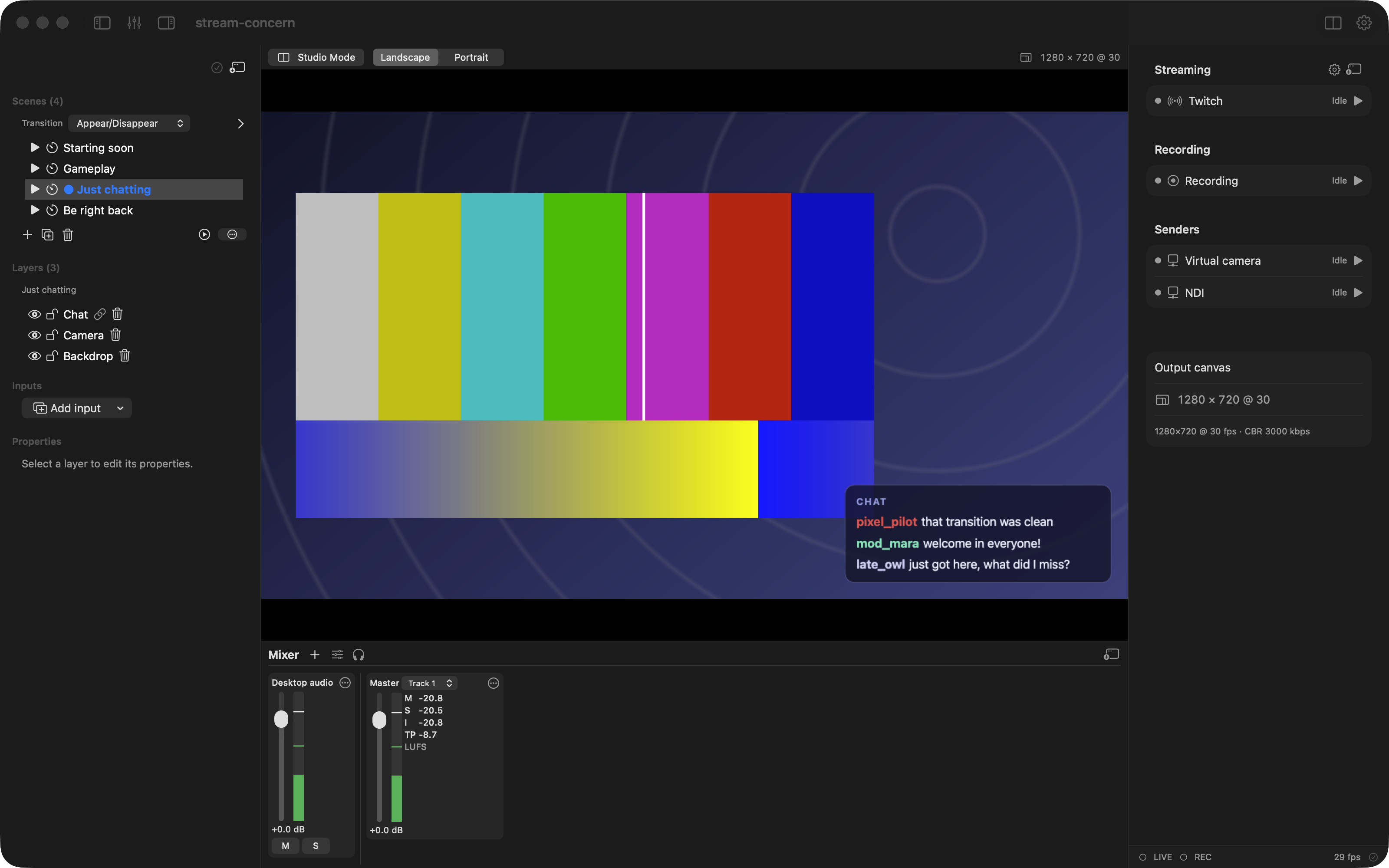
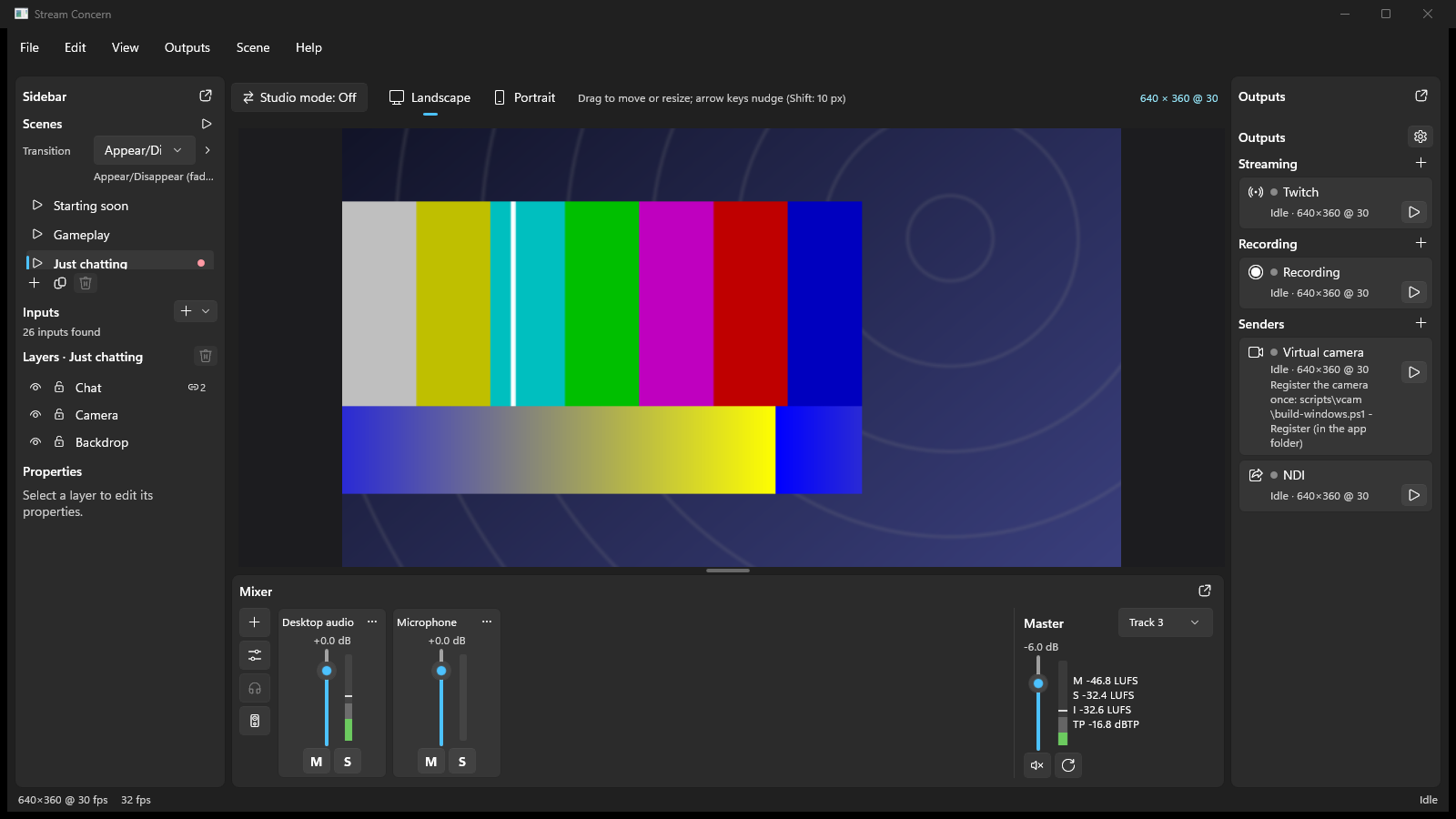
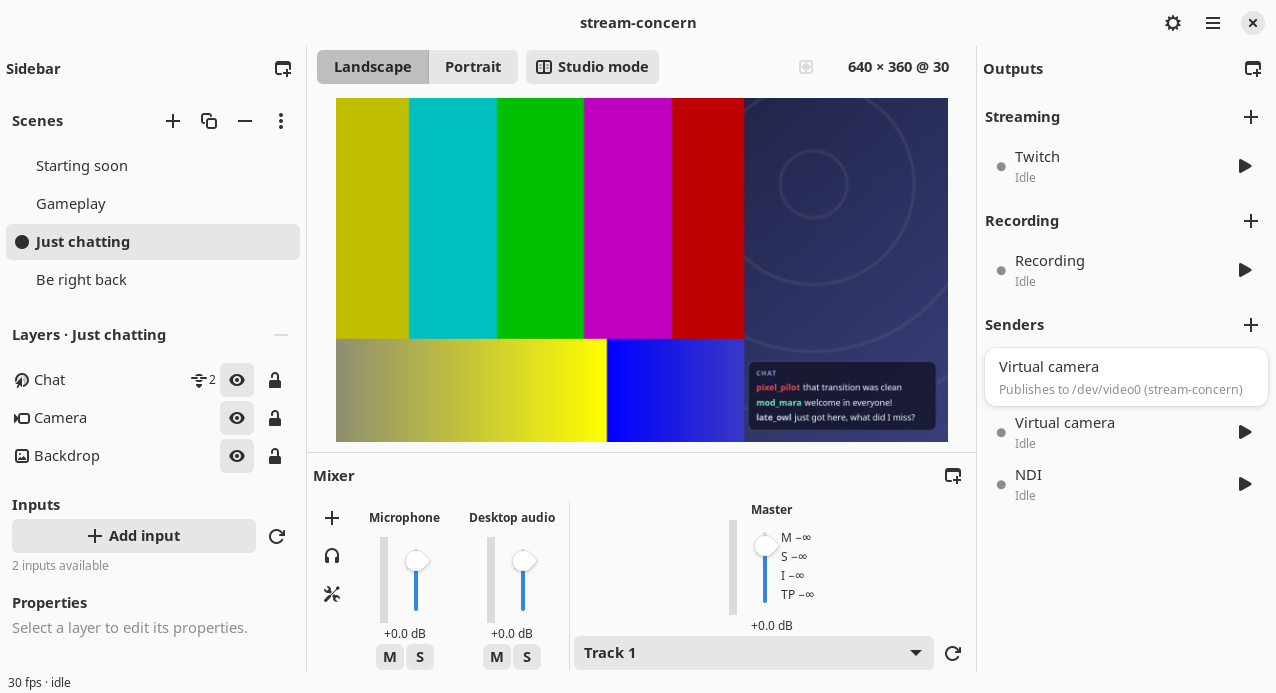
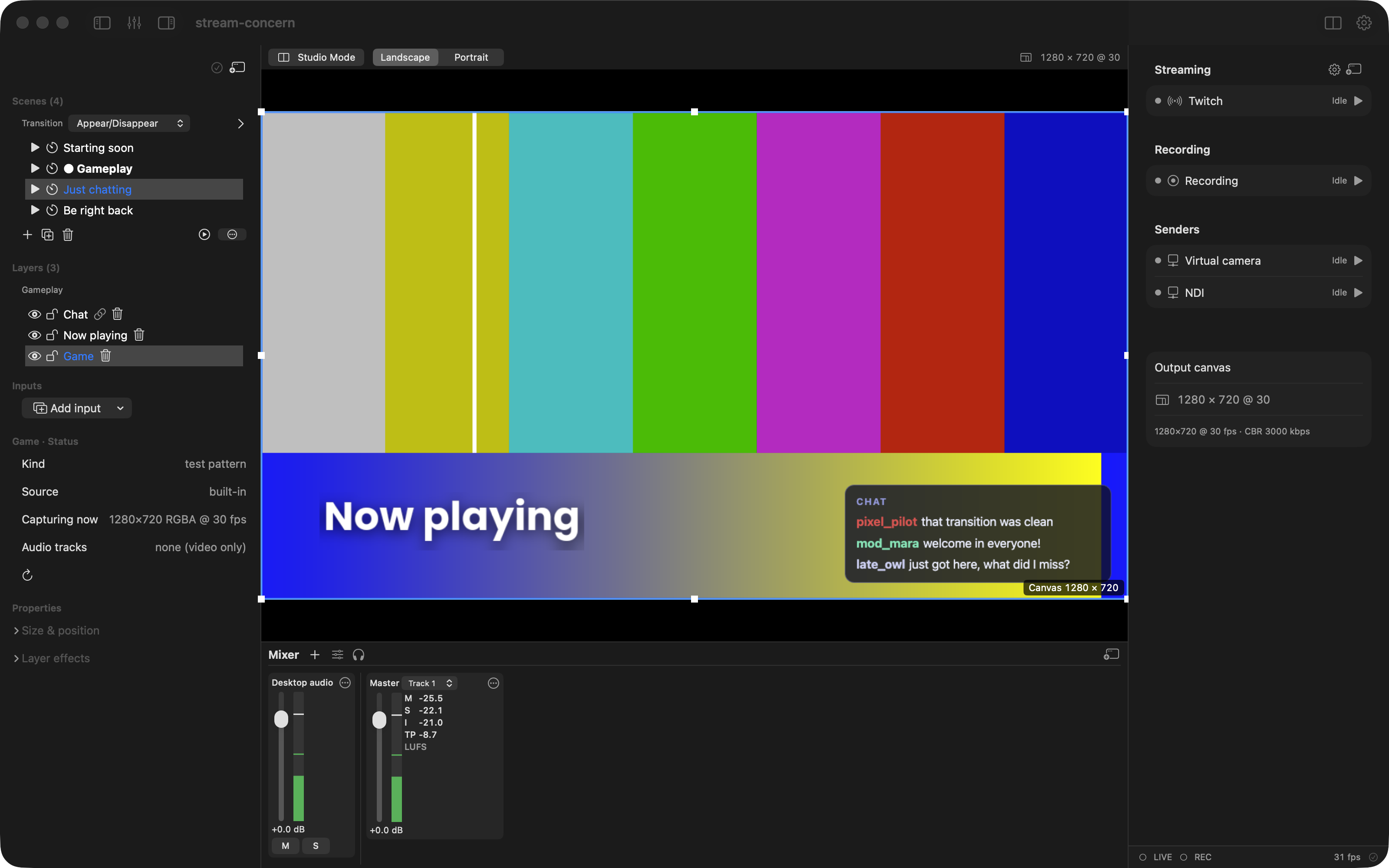
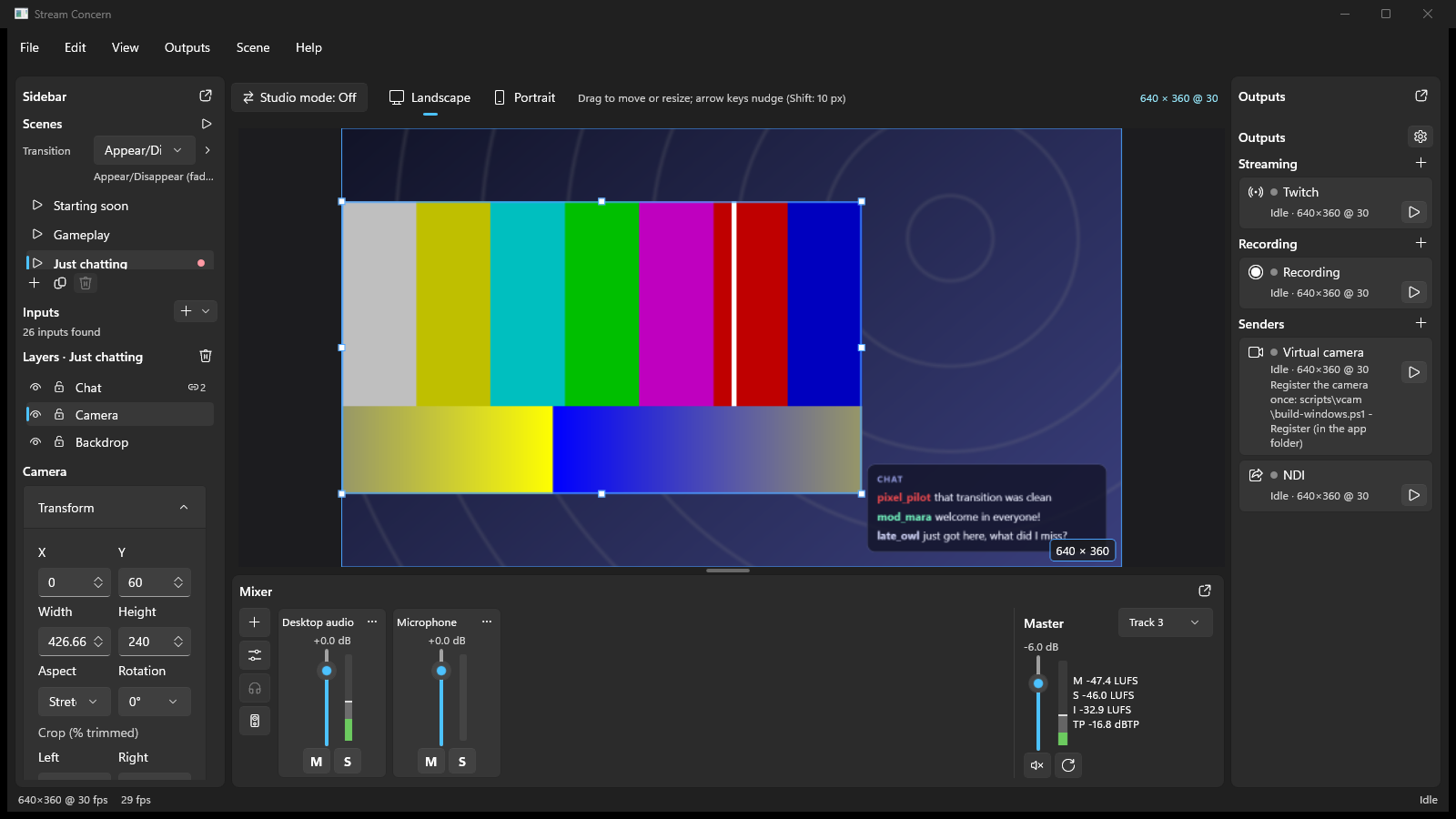
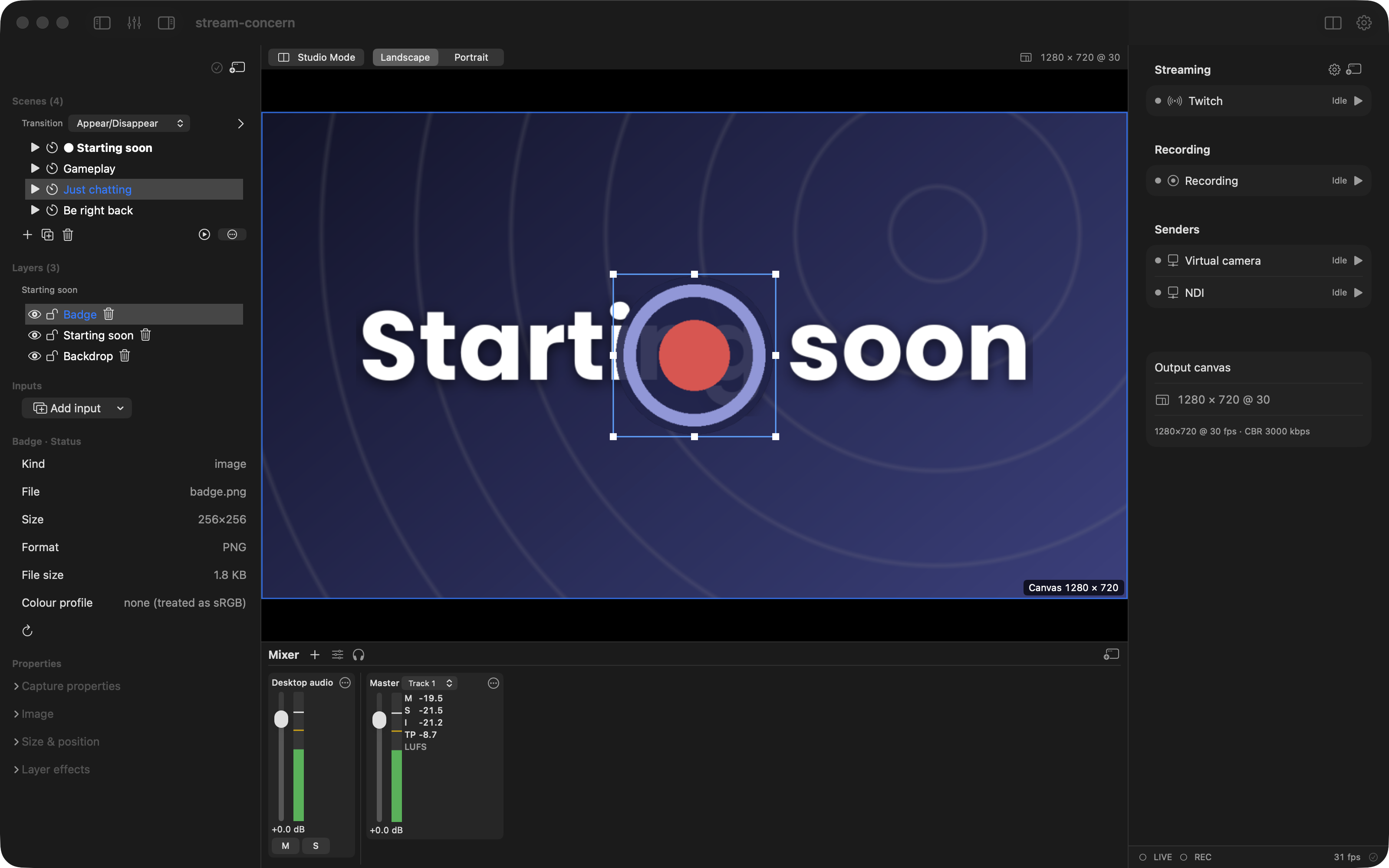
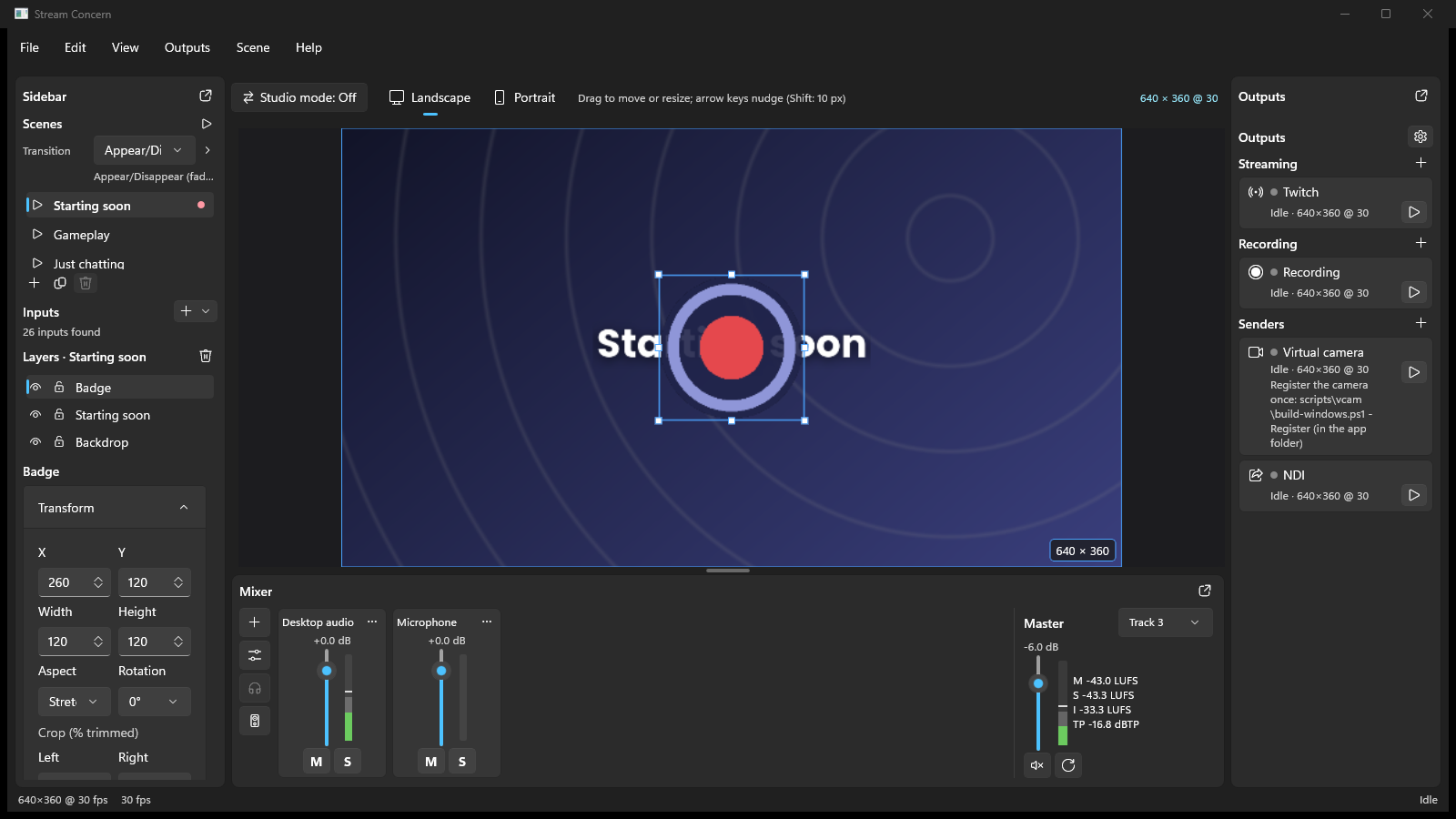
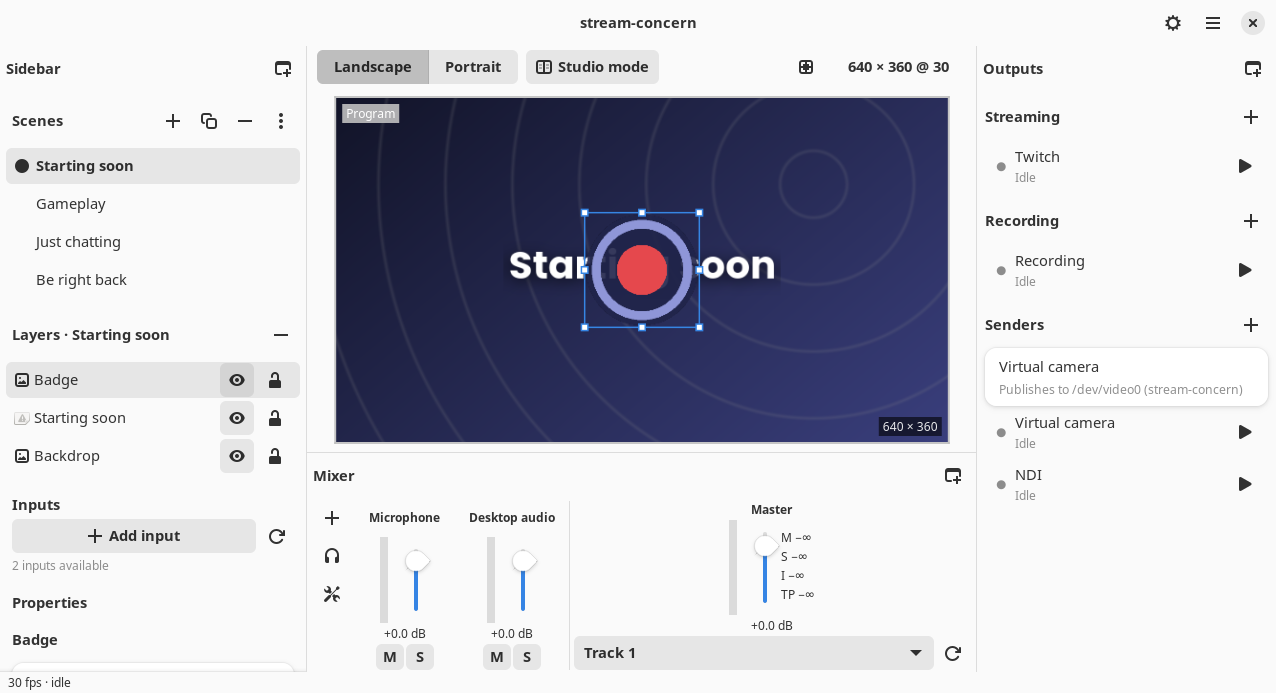
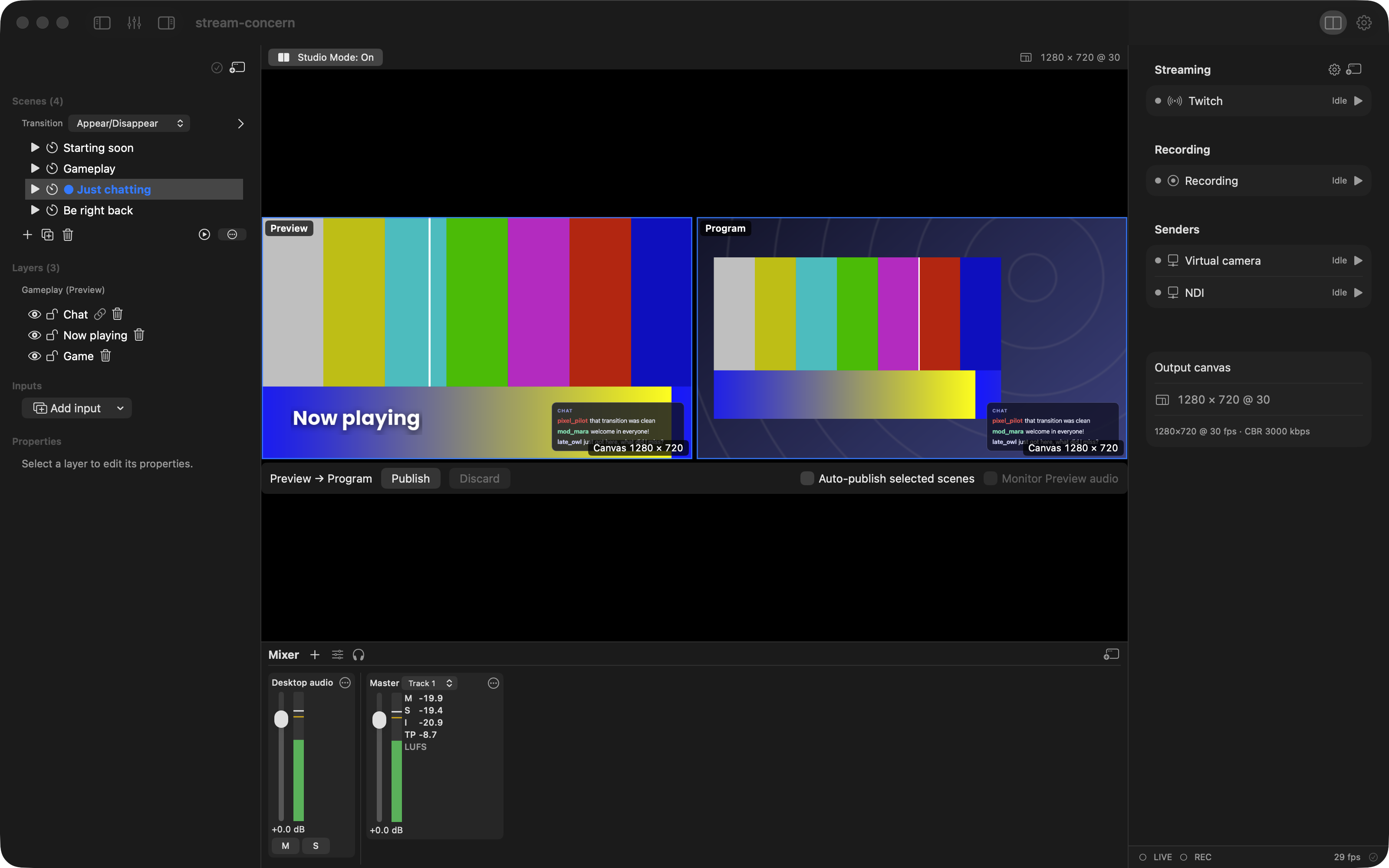
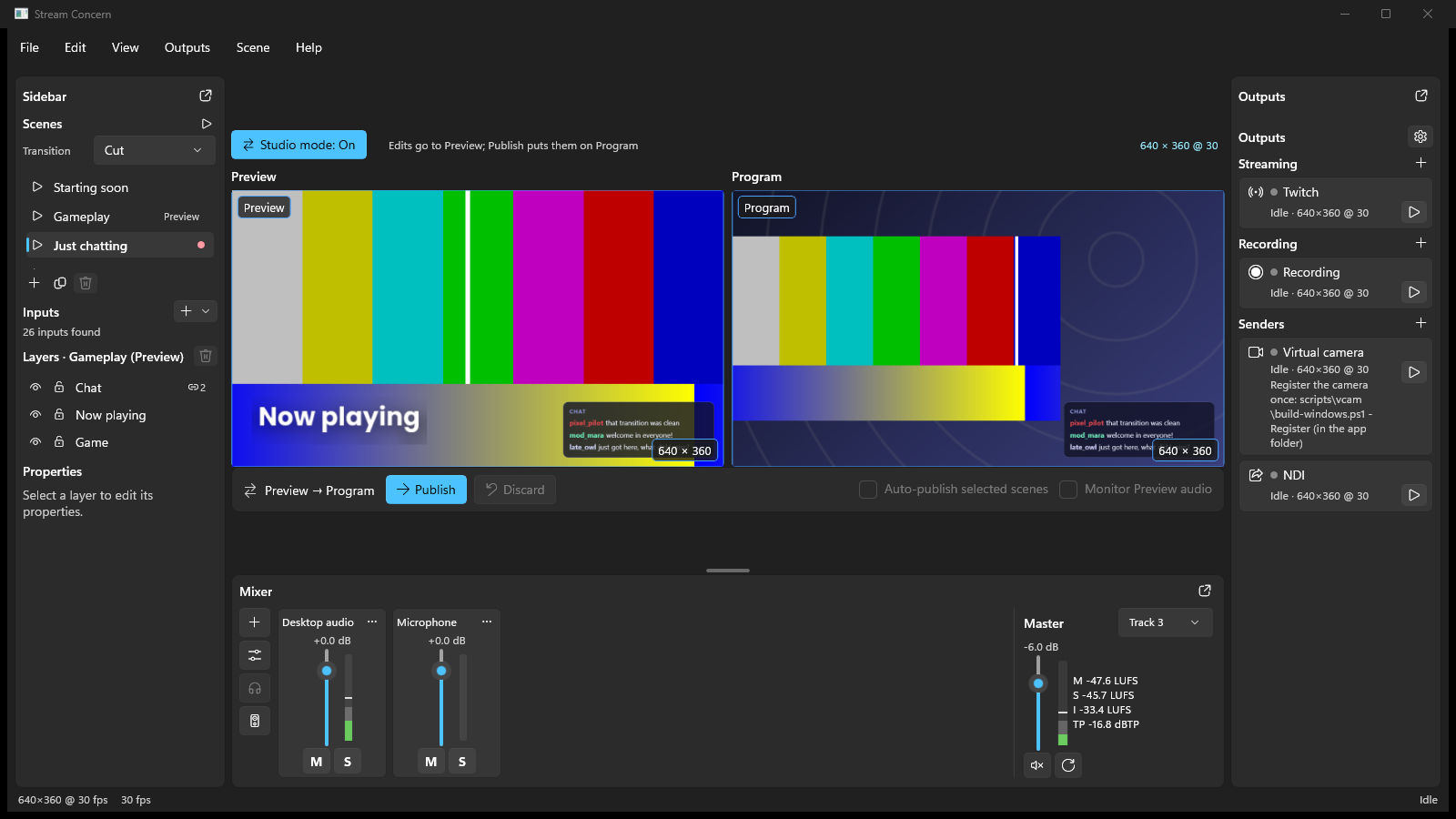
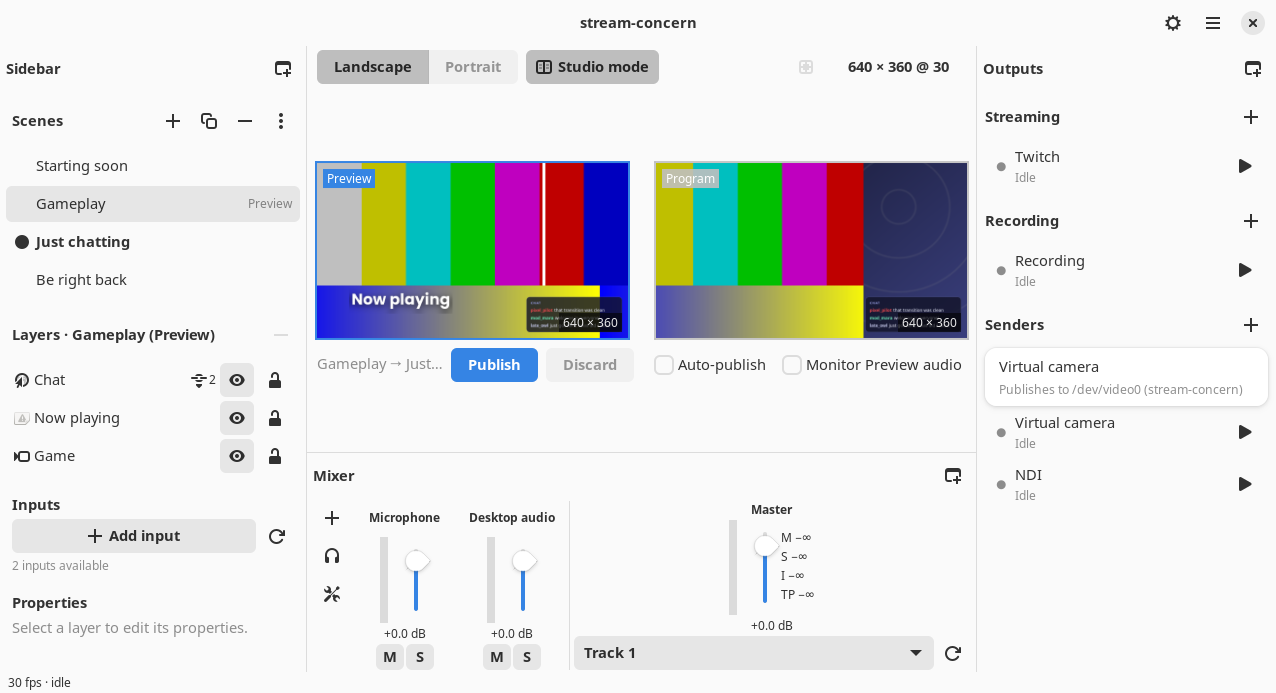
The main window has three columns. On the left the Sidebar holds the Scenes of your collection, the Layers of the scene you are working on, the Inputs you can add and the Properties of the selected layer. In the middle is the canvas, the picture your audience gets, with the Mixer under it. On the right the Outputs column lists your streams, recordings and senders. The Sidebar, the Mixer and the Outputs can each be hidden or moved into a window of their own from the View menu.
macOS
Windows
Linux
Scenes
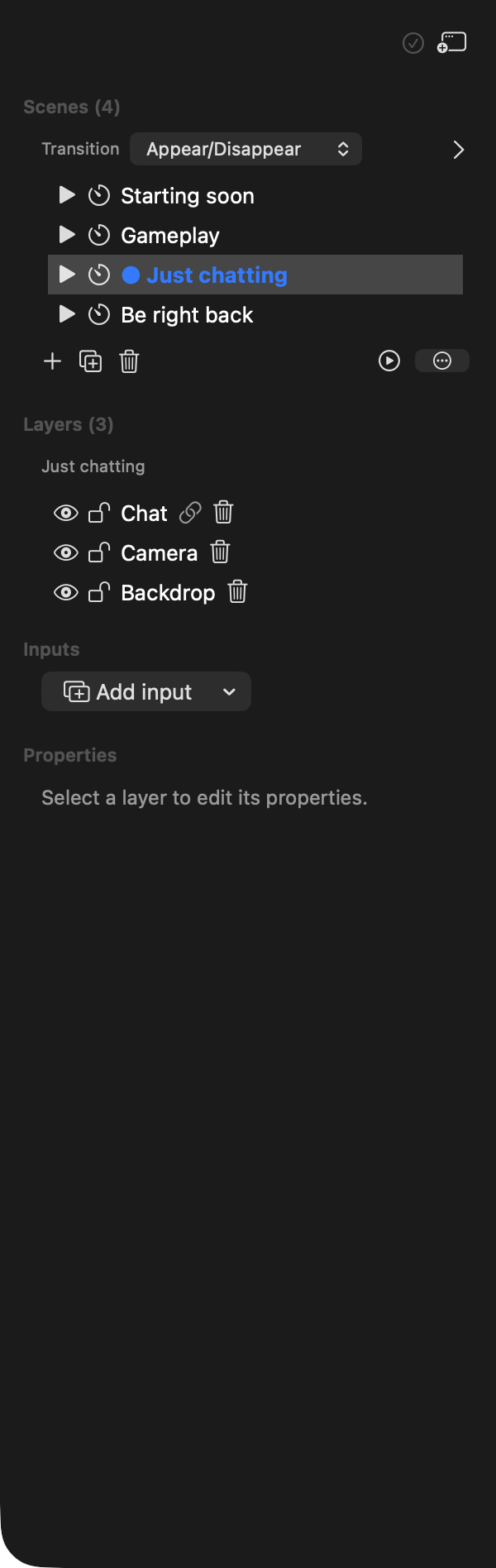
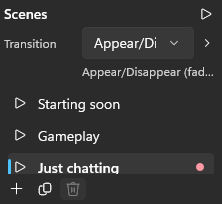
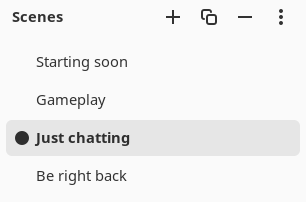
A scene is one arrangement of your inputs: a camera over a game, a title card, a full-screen chat. A collection holds as many scenes as you like, and the one on Program is the one your outputs send. Switching scenes can cut at once or play a transition: a crossfade, a fade through black, a slide, push, wipe or zoom, or Appear/Disappear, which moves only the layers that differ. More about scenes.
macOS
Windows
Linux
Scene automation
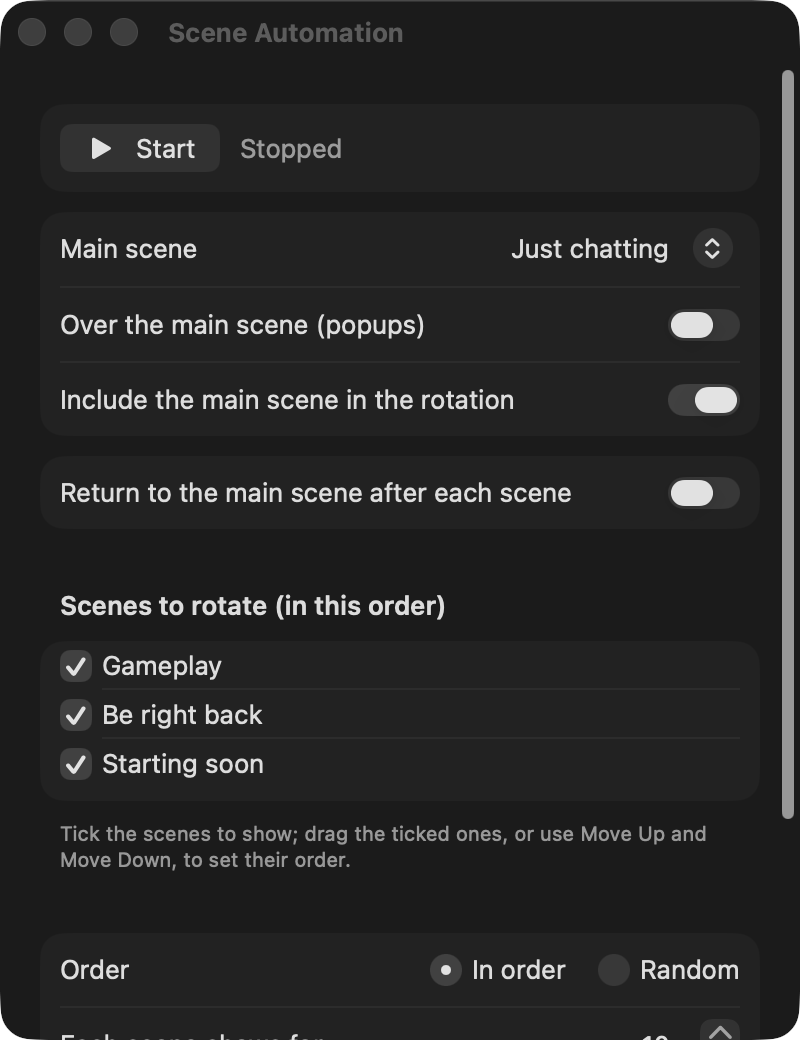
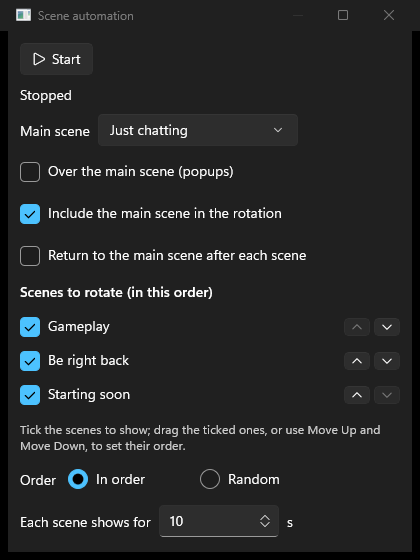
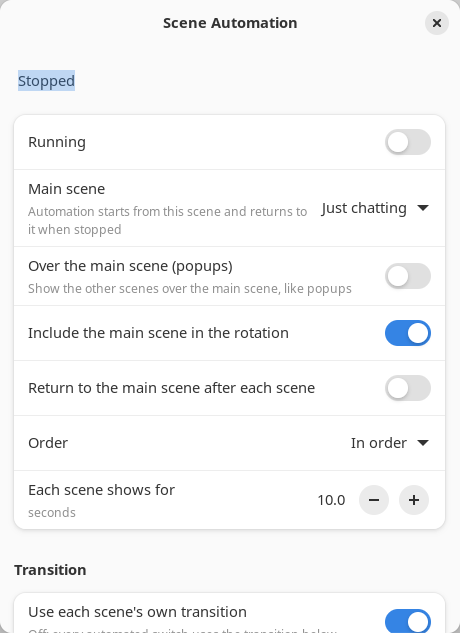
Scene automation switches Program on a timer: through your scenes in the order you choose, or at random, with or without a main scene to come back to in between. It can also keep the main scene on screen and bring the other scenes up over it, like popups. It starts each scene's cameras and media a moment early, so a switch never shows a camera warming up. More about scene automation.
macOS
Windows
Linux
Layers
Everything you add to a scene is a layer: a display or window capture, a camera or capture card, a media file, an image, text, a web overlay, a stream another encoder sends to the app's own RTMP Server, or a picture another app shares over NDI, Syphon, Spout or PipeWire. You place and size layers by dragging them on the canvas, and set the rest (crop, rotation, opacity, fades) in the layer's properties. One layer can be shown in several scenes at once.More about layers.
macOS
Windows
Linux
Ordering layers
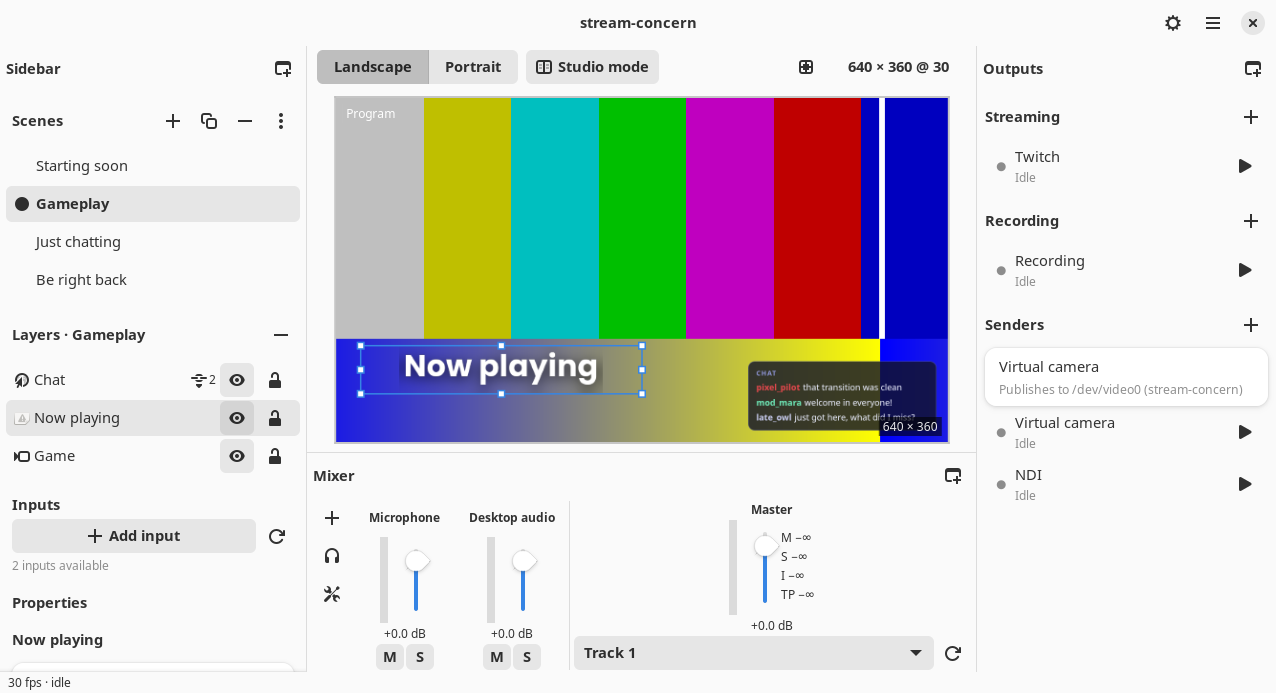
Layers are drawn in the order of the Layers list: the layer at the top of the list is in front of the others. Drag a layer up or down the list, or move the selected layer with the keyboard, to change what covers what.More about ordering layers.
macOS
Windows
Linux
Publishing and Studio mode
Outside Studio mode your edits go straight to the picture your audience sees. Studio mode splits the canvas intoPreview and Program: you prepare a scene in Preview, change it as much as you like, and Publish it to Program when it is ready, with its transition. Auto-publish sends each scene you pick straight to Program instead. More about Studio mode.
macOS
Windows
Linux
Outputs
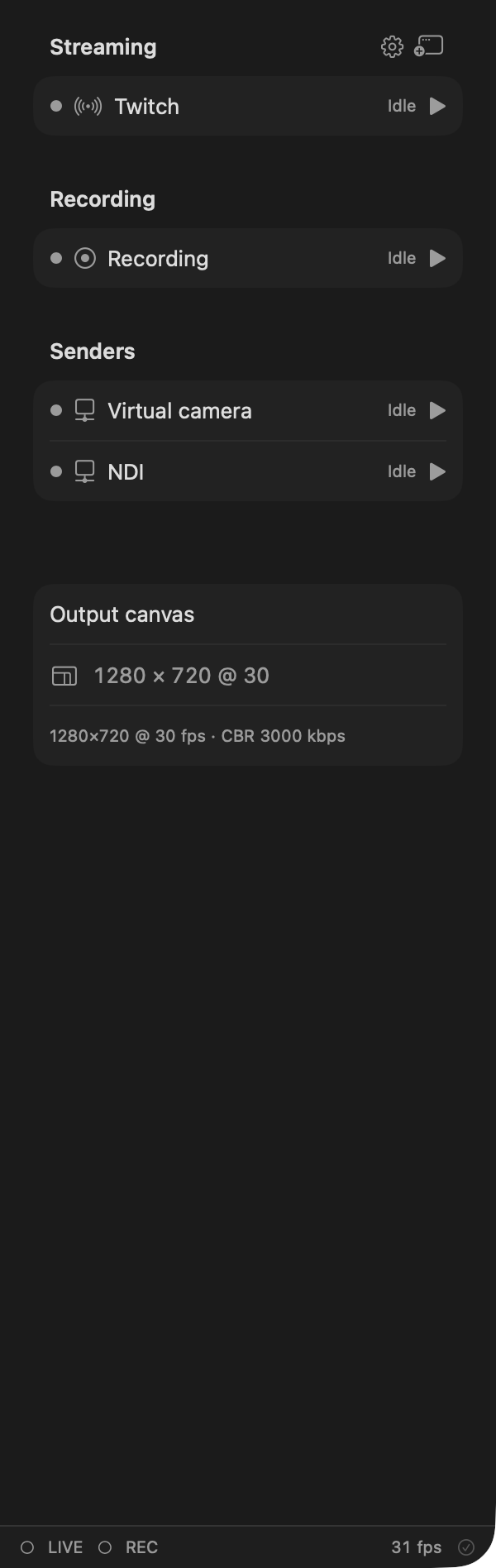
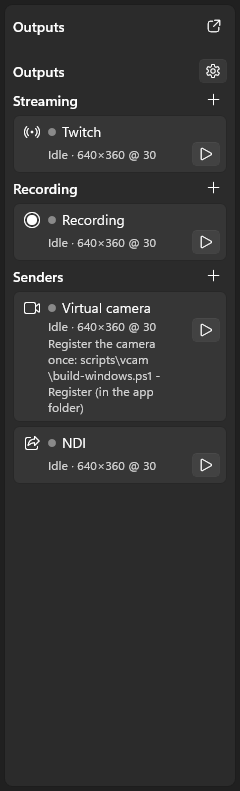
An output is one destination: a live stream to Twitch, YouTube or any of the other services the app knows, a recording on disk, or a sender that hands the picture to other apps (the virtual camera, NDI, and Syphon, Spout or PipeWire depending on your platform). Any number of outputs can run at once, each with its own settings. The app can also receive: its RTMP Server lets another encoder stream into it. NDI, for sending and receiving video over your network, needs Vizrt's free NDI runtime, a separate download: how to set it up.More about outputs.
macOS
Windows
Linux